Azets Expense usermanual
Here’s how to get started with Azets Expense
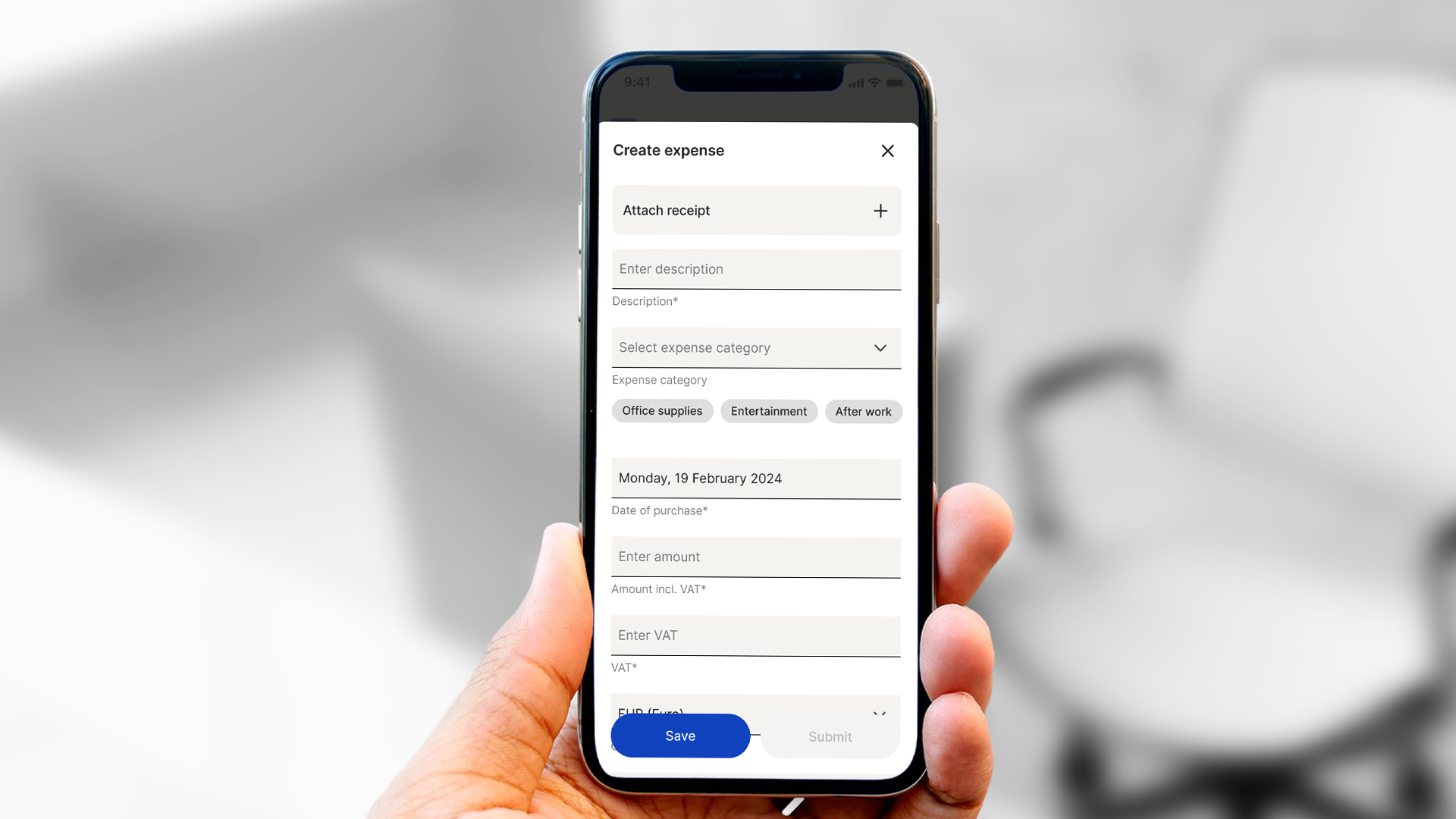
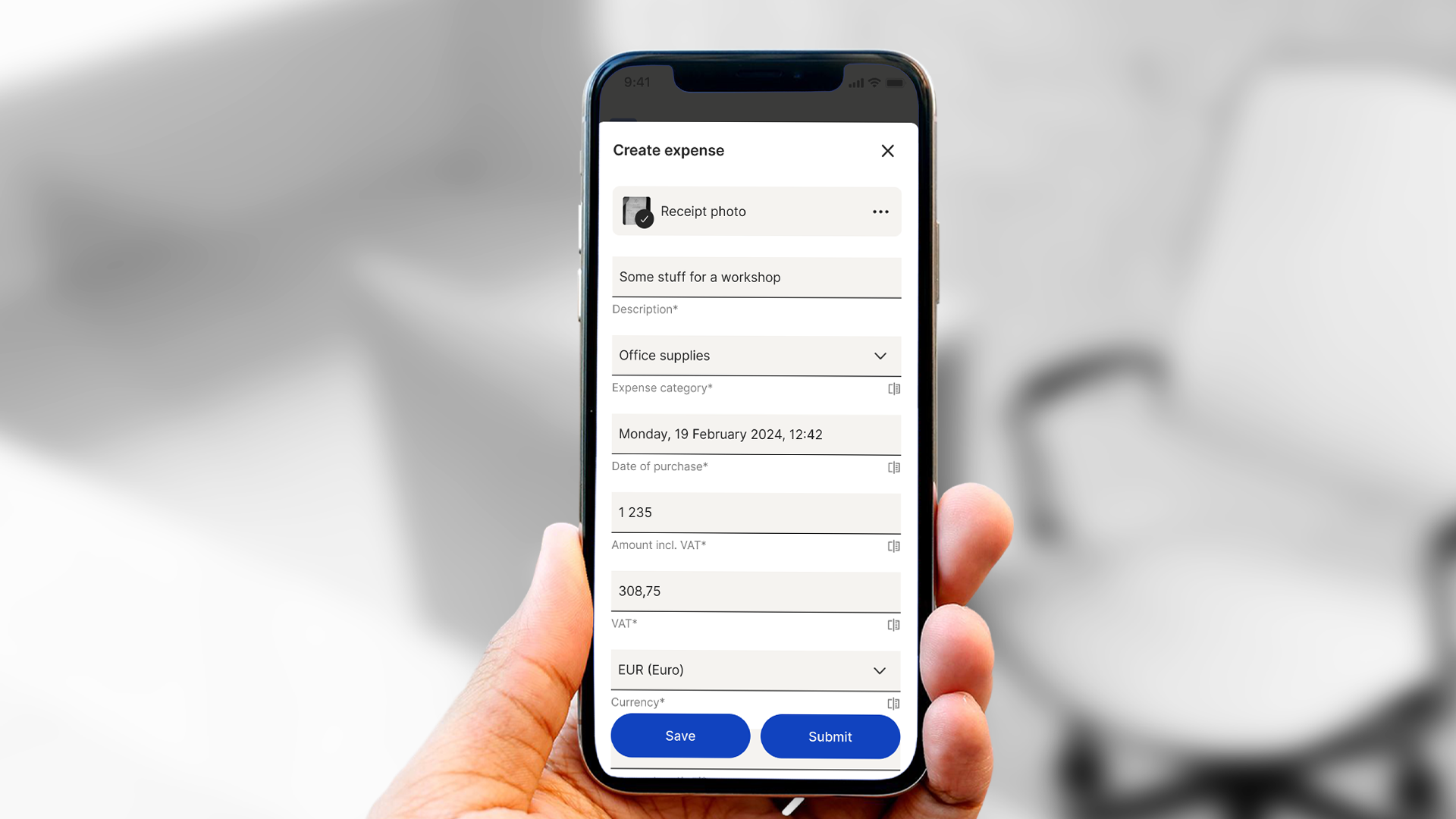
Azets Expense is a simple and user-friendly tool for managing business trips and expenses. With Azets Expense, you can record trips and expenses either in the browser or with the mobile app.
Azets Cozone
If you don't already have access to Azets Cozone, you will first receive a welcome email for it. Select "Get Started" and log in to activate your access.
Log in to Azets Expense
When your company invites you to use Azets Expense, you will receive a welcome email with a link to log in. The invitation is sent by the person managing the system.
In the email, click on Log In.
Below is an overview of how to use Azets Expense in the app and the browser.
App Features
The Azets Expense NO app can be downloaded from the App Store or Google Play. (Please note that there are several versions, so it is important to download the app with NO at the end). Once the app is installed, you can log in with the same username and password as in Azets Cozone. If you have access to multiple companies, you can switch at the top of the screen.
Azets Expense works the same way as all our cloud-based systems, with access and login done through the Azets Cozone portal.
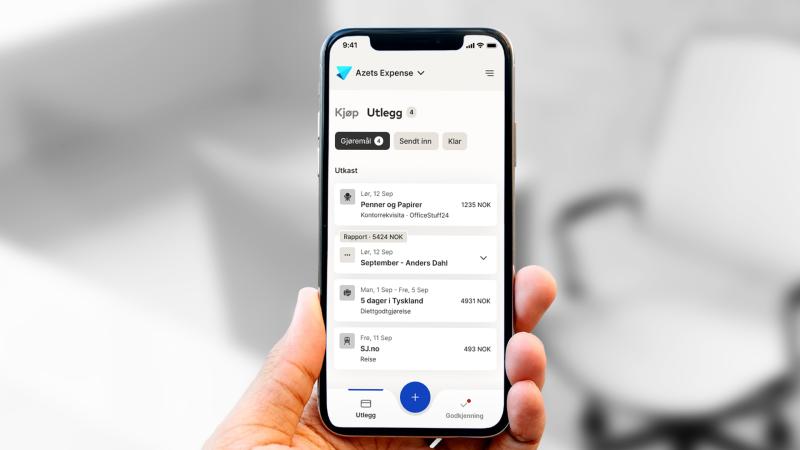
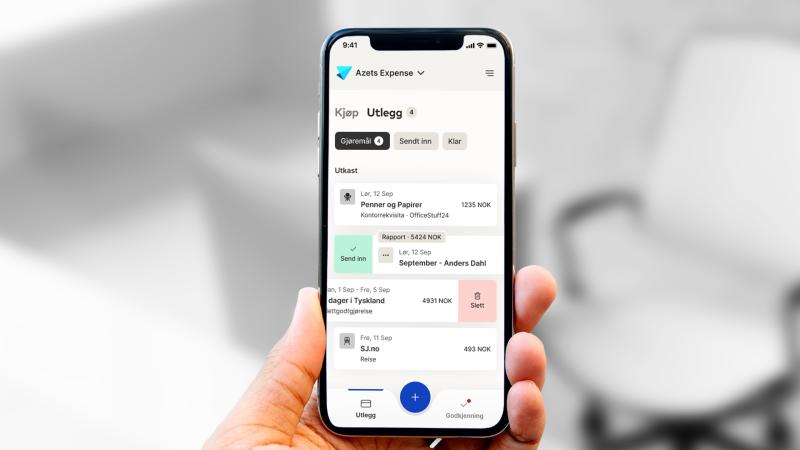
When you open the app, you will see a dashboard that provides an overview of any pending travel claims and expenses. You can easily view and manage the reports by navigating to the expense reports section.
In addition to managing expenses, the app also provides notifications about important events and tasks. This ensures that you are always informed about necessary actions.